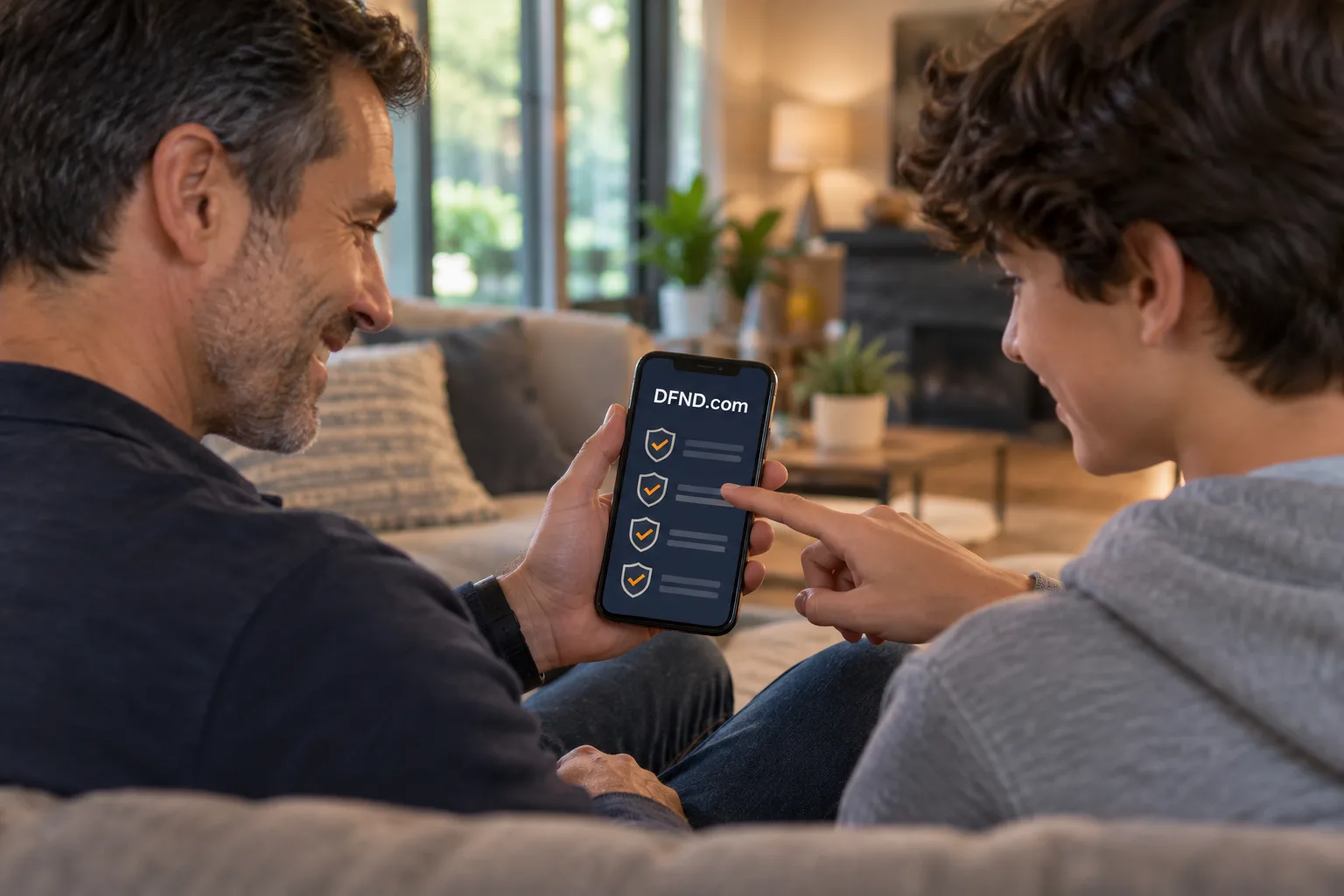
A household can lose track of which accounts have extra sign-in protection and which still need attention. An app could help people work through that list together. DFND.com reads as “defend,” giving this account-protection idea a direct connection to its purpose. This is an illustrative concept, with proposed features and a hypothetical pricing sketch.
Find a small job worth completing
The opening product would help an adult household organizer answer a practical question: which important accounts have been reviewed, and what is the next setup task? Start with a checklist that people can complete themselves. A first version would not need access to bank balances, messages or passwords to record that an account owner has reviewed a sign-in setting.
The buyer would be someone willing to organize a shared task, while each adult account holder would retain control over their own information. That distinction should shape invitations and permissions. An organizer could request an update; the invited person would choose what to share. A family dashboard should make cooperation easier without turning one person into an observer of everyone else’s activity.
Four first-version features
An account checklist with honest status labels
Let users add an account category, a recognizable label and the person responsible for it. Proposed statuses could include “not reviewed,” “setup in progress” and “owner reports MFA enabled.” The last label matters: a manually completed checklist records what a person says. It should not present that entry as a verified connection to the account provider.
Each entry would have a next action and review date. For example, an owner might need to locate the sign-in settings or decide where to keep recovery information. Keep passwords and recovery codes outside the checklist. The product team would need a deliberate data policy covering collection, deletion and household departures before inviting anyone to use it.
MFA setup guidance tied to a task
CISA describes MFA as requiring two or more ways to verify identity, making account entry harder when a password is stolen. The app could translate that task into a short preparation checklist: open the account through a trusted route, locate its security settings, review the available methods and arrange recovery before finishing.
Provider-specific instructions would need maintenance. The first release could limit guides to a small, researched set and record when each guide was checked. If a screen changes, the user should have a way to flag the mismatch. An unfinished guide should lead to the provider’s own help rather than guess at the next button.
A scam-message checker that explains uncertainty
A proposed checker could ask users about warning signs instead of declaring messages safe. Does the message demand an urgent payment? Is it asking for account information? Can the request be verified through a contact route already known to the recipient? The FTC’s phishing guidance recommends contacting a company through a phone number or website known to be real, rather than using the details in a suspicious message.
Start with a guided questionnaire before considering message uploads. That reduces the amount of private correspondence the first version needs to handle. Results should describe the signs found and offer a verification step. An absence of listed signs must not become an assurance that a message is genuine. There are no assumed detection rates or working integrations behind this proposal.
A dashboard built around consent
The dashboard would display shared tasks and self-reported progress. An invited adult could show that an email account had been reviewed while keeping its address private. Provide controls to leave a household, remove shared entries and revoke invitations. Use sample data during product testing so early design decisions can be examined before personal account information enters the system.
A hypothetical pricing sketch
One pricing structure to test would be a free individual checklist and an optional paid household plan. The paid plan could cover shared task assignments, reminders and several adult profiles. A separate one-time guided setup session could be explored only if the operator has people available to deliver it. These are hypothetical packaging choices, not current offers or established prices.
Choose any monetary price after testing willingness to pay and estimating support costs. Interview people about the last time they helped someone change a sign-in setting. Ask what became confusing and whether they would pay for shared organization or human help. A feature that looks small in a prototype may generate substantial support work when recovery questions arise.
Test the whole first session
Picture an adult inviting a partner to review two important accounts. The organizer creates tasks without entering credentials. The partner accepts the invitation, chooses what progress to share and follows a setup checklist inside the real account service. Back in the app, the partner marks the task complete and records a future review date.
That session gives the team concrete usability questions. Can someone distinguish a task reminder from a real sign-in request? Do they understand that the dashboard reflects their entries? Can they leave the household without another person’s permission? Testing those actions would be more useful than adding a large feature catalog before the basic workflow works.
Distribution and launch decisions
An initial distribution approach could center on a useful account-review worksheet and a short walkthrough of the shared checklist. Invite interested adults to try a prototype using fictional accounts. Gather feedback on completion and confusion with their consent, then decide whether the collaboration feature earns its place in the first release.
Before launch, budget for guide updates, customer support and a review of the product’s data handling. Define what the service can answer when a person reports suspected fraud. The name can sit on an app icon and a help page, but the product needs a clear description beside it: household account checklists and setup guidance.